Most people set up a workflow, watch it run once, and call it done. That's not a system. That's a gamble.
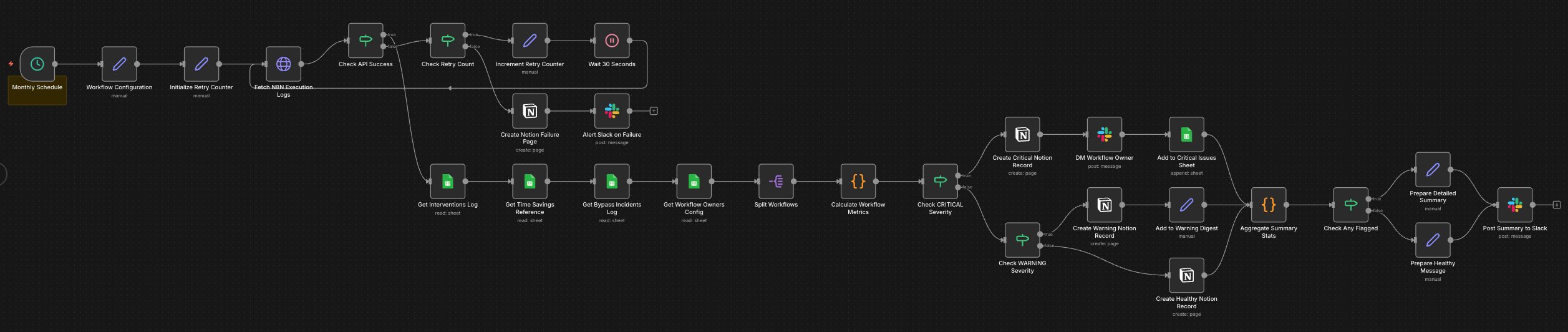
Automation needs to be checked. Not obsessively, but regularly. Here's what to look at.
Is It Still Running?
Workflows break when upstream tools update, APIs change, or data formats shift. A workflow that ran fine six months ago may have been silently failing for weeks. Check your error logs. Most automation platforms surface these if you know where to look.
Is It Producing the Right Output?
A confirmation email that goes out is not the same as a confirmation email that gets read, understood, and acted on. Look further downstream. Are clients actually showing up to kickoffs? Are forms being completed? Are invoices getting paid? The workflow is one step. The outcome is what matters.
Is Anyone Editing or Intervening?
If someone on your team is regularly jumping in to fix, adjust, or manually complete what a workflow started, that's a signal. It means the automation is producing output that needs human correction. Track how often that happens. If it's frequent, the workflow needs to be redesigned, not patched.
Is the Time Savings Real?
Go back to whatever estimate justified building this. You said it would save four hours a week. Is it? The most common reason it isn't: the automation handles one step of a five-step process, and the other four still run manually. The workflow didn't replace the work. It just moved where the work starts.
Is Anyone Working Around It?
If your team is bypassing the workflow entirely to get things done faster, that's a different problem. Either the workflow is too slow, too rigid, or solving the wrong thing. Find out before it becomes a habit.
What Should You Actually Do About It?
Set aside some time every quarter to go through every workflow you have running and ask the above five questions. Be honest. Don't patch what needs a redesign. Don't assume something is working just because it hasn't broken loudly.
Automation that runs quietly isn't the same as automation that works. The difference shows up in your outcomes, not your error logs.