Workflow automation sounds technical. In practice, it is straightforward: you describe a process that happens repeatedly, and you build a system that handles it without human intervention. The complexity lives in the setup, not in the concept. Here is how to approach it if you are starting from scratch.
Start with the Most Painful Task, Not the Most Interesting One
The instinct when first exploring automation is to look for the most sophisticated thing you could build. Resist that. The right first automation is the one that costs you the most time or creates the most friction every single week. For most businesses, this is email management, client follow-ups, or data entry. These are high-volume, low-complexity tasks. They are ideal first projects because the logic is simple, the results are immediate, and the value is easy to measure.
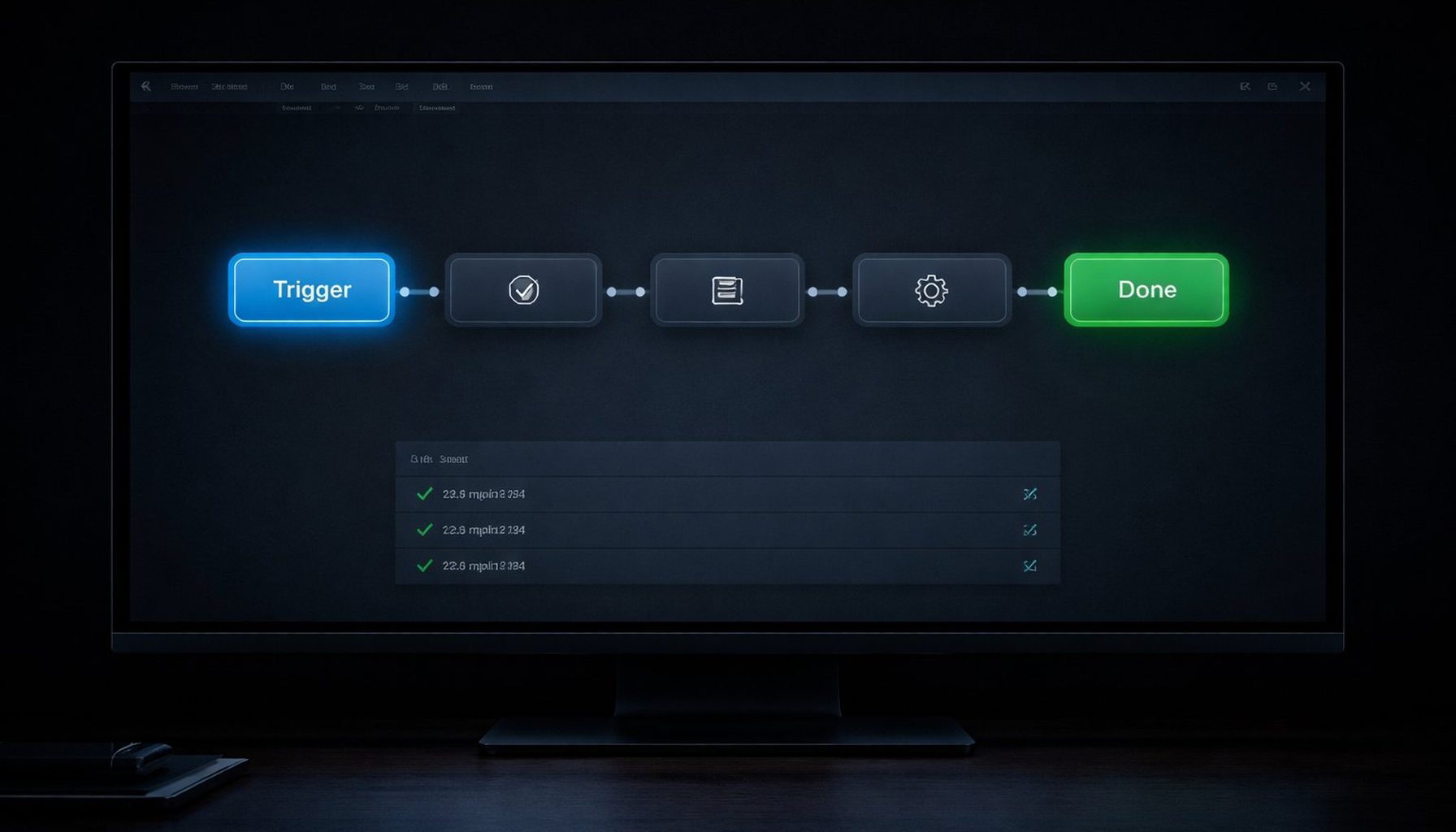
Start by writing down exactly what you do today. What triggers the task? What are the steps, in order? What is the output? What are the exceptions? The more specific you are, the easier the automation is to build. If you cannot write down the steps in plain language, you cannot automate the process yet. The documentation comes first.
When I built the content scheduling system for The Society of Scents and Spirits, the first step was writing out the manual workflow in detail: what triggers a new post cycle, how the brief gets formatted differently for Instagram versus the newsletter, where it gets logged, what confirmation looks like. That document took about forty minutes to write. It became the blueprint for the automation, and every decision in the build traced back to it.
Understand What Automation Can and Cannot Do
Automation handles structured, repeatable processes reliably. It does not handle judgment calls, relationship nuance, or creative decisions. A good automation system knows when to hand something off to a human, and building that handoff logic correctly is one of the most important parts of any design.
The goal is not to remove humans from your business. It is to remove humans from the parts of your business that do not need them, so they can focus on the parts that do. In the inbox triage system I run for Konkan Sun Productions, every email is categorised and routed automatically. Warm leads get flagged for personal follow-up. Cold emails are auto-replied and logged. But the actual conversation with a warm lead, the one that turns an enquiry into a project, is always a human. The automation creates the conditions for that conversation. It does not replace it.
Watch for tasks where the exception rate is high. If you find yourself saying "except when..." more than twice while documenting a process, the process may need simplifying before it can be automated reliably. Complex exception handling can be built, but it adds time and cost. Simplify the process first, then automate.
Choose the Right Tools for the Job
Zapier is the most accessible automation platform for non-technical users. It connects to most major business tools out of the box, the interface is visual, and basic workflows can be set up in an afternoon. For simple linear automations, it is often the right choice.
N8N offers significantly more flexibility, particularly for multi-step workflows, conditional logic, and custom data transformations. It requires more technical comfort but produces more robust results. For complex workflows that need to handle edge cases gracefully, it is generally the better platform.
Python-based automation handles anything that requires custom logic, data processing, or integration with systems that do not have pre-built connectors. It is the most flexible option and the most demanding to build and maintain.
In most real-world business automation, the answer is a combination: Zapier or N8N for workflow orchestration, with Python or custom scripts handling steps that need more control. The tools matter less than the design. A well-designed automation on a simple platform outperforms a poorly designed one on a sophisticated platform every time.
Test Before You Trust, and Plan for Failure
Every automation needs to be tested against real data before it is deployed. Edge cases you did not anticipate in the design will appear in testing. A client name with an apostrophe. An email in an unexpected format. A record with a missing required field. A date formatted differently than the system expects. Finding these in testing is cheap. Finding them after the system has been running silently wrong for two weeks is expensive.
Build in error handling from the start. When a step fails, the system should flag it and route it for human review, not silently drop it and move on. This design decision alone is the difference between automation you can trust and automation that creates new problems you do not know about until they compound.
Set up monitoring for every production workflow. You want to know if a step is failing, if a workflow is taking longer than expected, or if volume spikes are causing problems. A workflow that runs correctly for three months can start failing for reasons that have nothing to do with the original build, such as a third-party API changing its format or a credentials expiry. Monitoring catches these before they become significant.
Measure What Changes
Before you build anything, record the baseline. How much time does this task currently take per week? How many errors occur per month? How long does the average response time run? Once the automation is live, measure the same things. The improvement is rarely invisible, but it is easy to forget the baseline once the task is no longer weighing on you.
When the fragrance database automation went live, the three hours per week of manual data entry dropped to zero immediately. But the more significant outcome was that the database became reliable enough to feed a second automation, the content suggestion system, that would not have been possible with unreliable data. The first automation unlocked the second. That compounding effect is common, and it is worth tracking from the start.
If you would like help mapping out your first automation, I am easy to reach. A thirty-minute conversation about your current workflow is usually enough to identify the right starting point.
Building Error Handling From the Start
Most workflows fail not because the happy path was designed poorly, but because nobody thought through what happens when something unexpected occurs. The email arrives in an unrecognised format. The form is submitted twice. The API returns an error. The date field is empty. A step that assumes the previous step succeeded receives a null value and produces a confusing result downstream.
Error handling is not an afterthought you add once the workflow is running. It is part of the original design. For every step in your workflow, define what success looks like and what failure looks like. When a step fails, the workflow should do one of three things: retry the step automatically if the failure is likely to be transient, route the record to a human review queue if the failure requires judgment, or log the failure clearly and stop rather than continuing with bad data.
The inbox triage system at Konkan Sun Productions handles this explicitly. If an incoming email cannot be categorised with sufficient confidence, it does not get auto-replied. It gets flagged as "unclassified" and drops into a manual review queue. The default is to escalate to human judgment rather than to guess. That design decision means the system has never sent a mis-categorised response, which would be worse than no response at all.
Build in logging from the start. Every workflow run should produce a record of what happened: what the trigger was, what each step did, what the outputs were, and whether any errors occurred. Without logging, a workflow that is silently failing looks exactly like a workflow that is succeeding. You will not know something is wrong until a client or a data problem makes it visible. With logging, you can check the record at any time and see exactly what the system did and why.
The discipline required to build automation well is not primarily technical. It is the discipline of clear thinking applied to a process you know deeply. Map the process before you build. Define success and failure for every step. Test against real data. Measure what changes. Treat the workflow as a living system rather than a finished product. Those habits produce automation that works and keeps working, long after the initial build is done.
Workflow automation is not a destination you arrive at. It is a practice you build over time, one well-designed system at a time. The businesses that are genuinely more efficient than their competitors are not the ones that made a single large automation investment. They are the ones that built the habit of looking at manual processes and asking whether a system could handle them more reliably. That question, asked consistently, compounds into a meaningful operational advantage over months and years.
Start simple, document clearly, test against real data, and measure what changes. Those four steps apply to the first automation and to every automation after it. The platform does not matter as much as the discipline. A workflow built with those habits on a simple tool will outperform an ambitious workflow built without them on a sophisticated one. The discipline is the differentiator.